
iStoreOSThe open-source OS for smarter routing and storage.
Manage your network and storage in one place. Explore the source. Contribute your ideas.
One system, multiple forms
From the core system to NAS and routing scenarios, install the corresponding plugins to add purpose-built interfaces and capabilities.
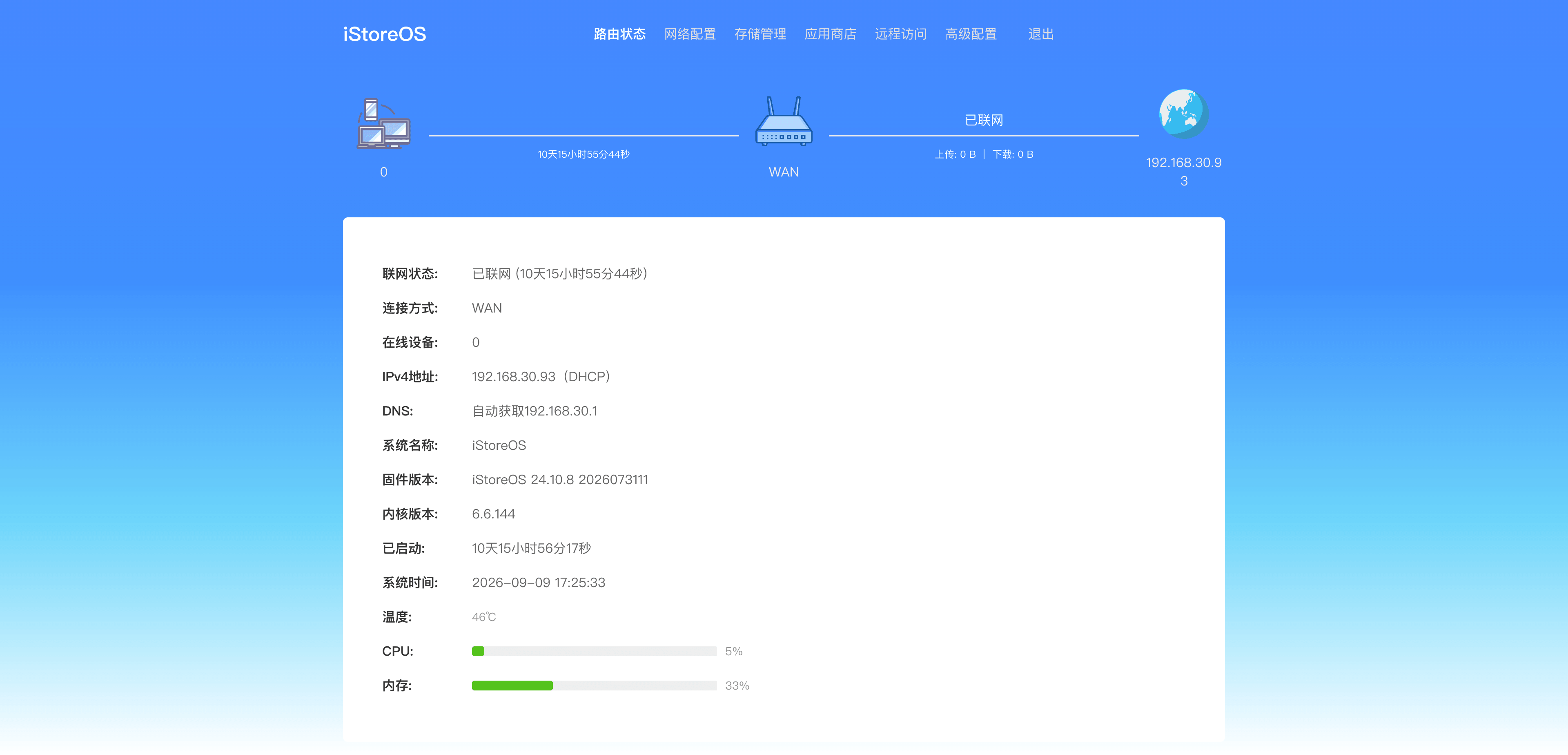
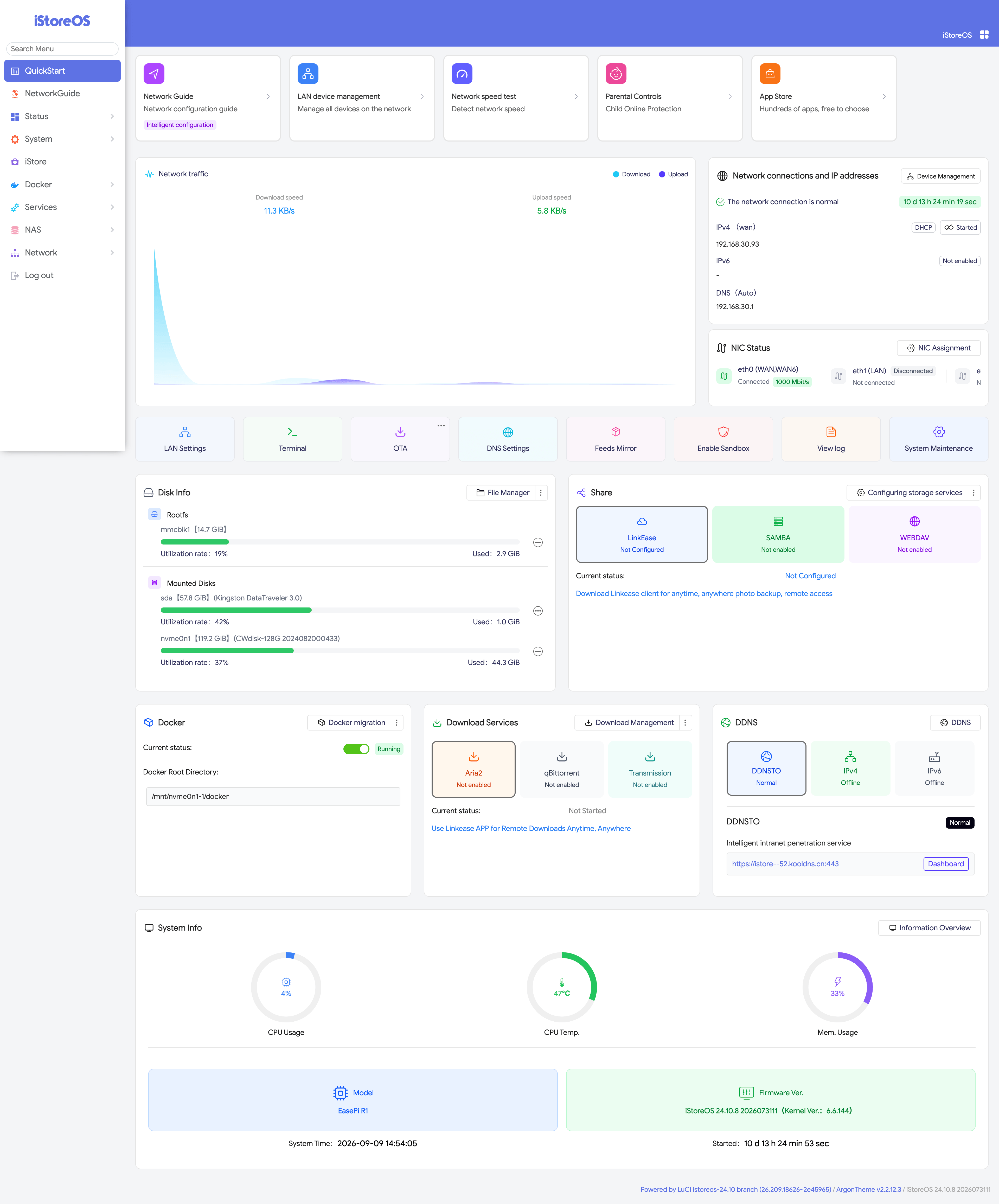
- iStoreOSCore system · Flexible expansion
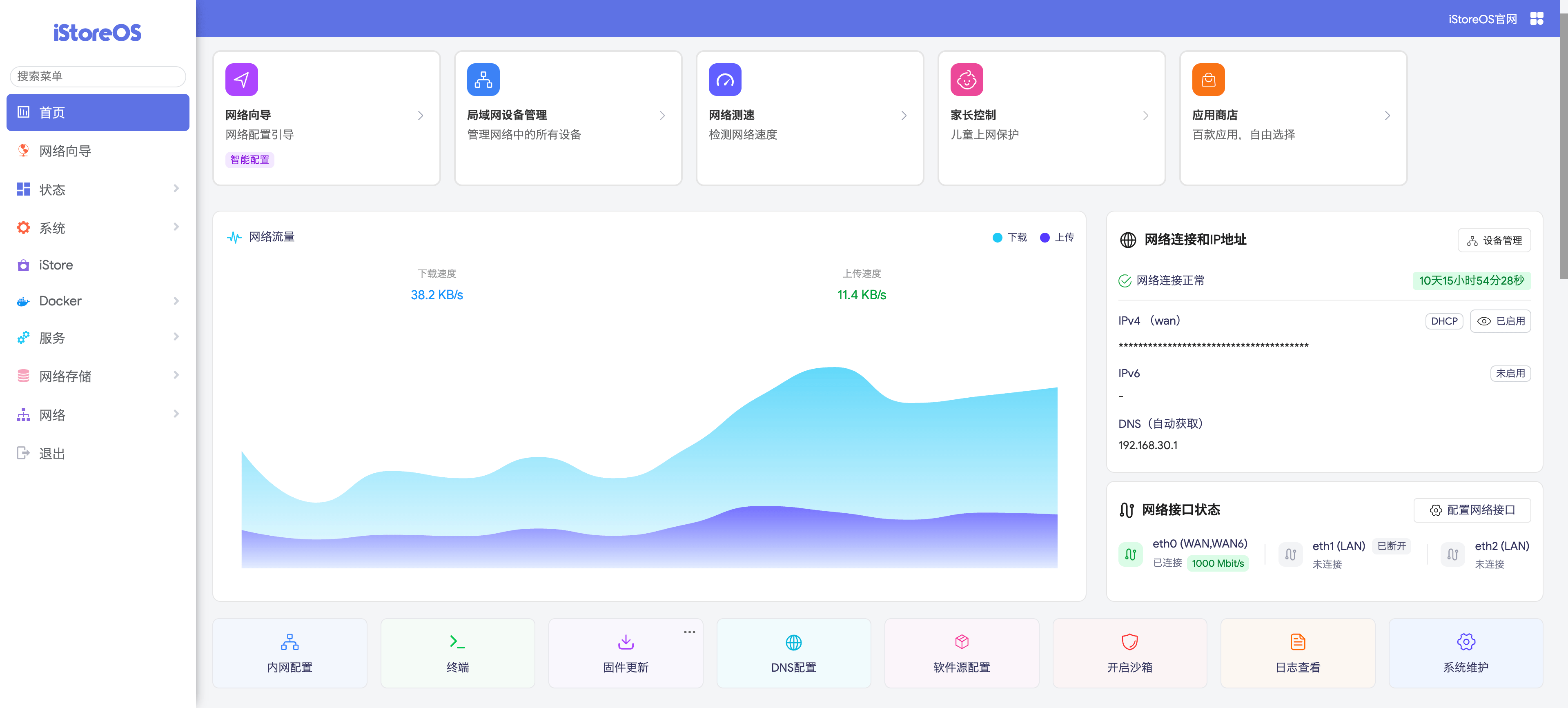
- iStoreNASNAS scenario · Desktop experience
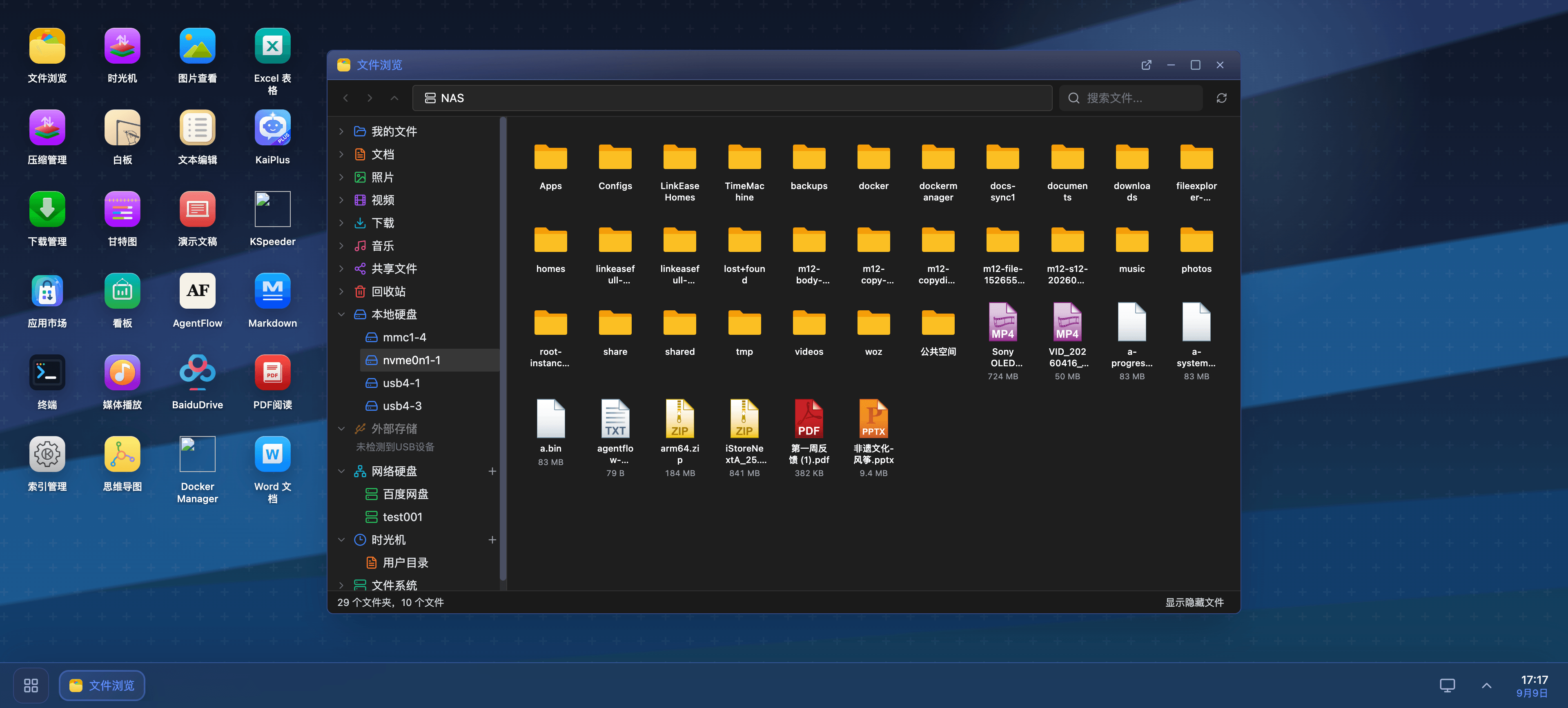
- iStoreRouterRouting scenario · Focused network management
Run iStoreOS on your hardware.
From familiar x86 systems to compact, efficient ARM devices, there is an iStoreOS build for your setup.
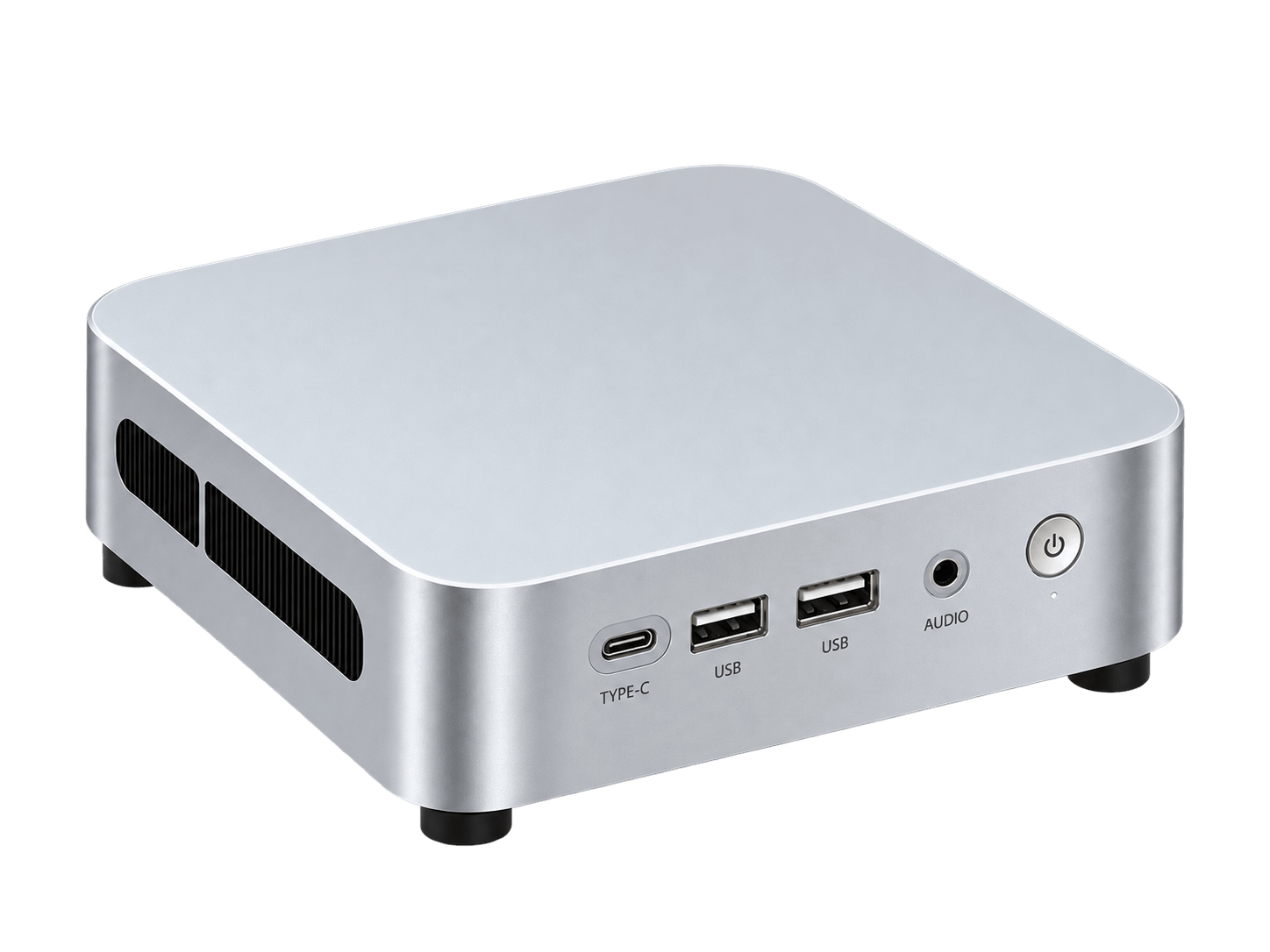
x86Broad compatibility for routers, storage, and home servers
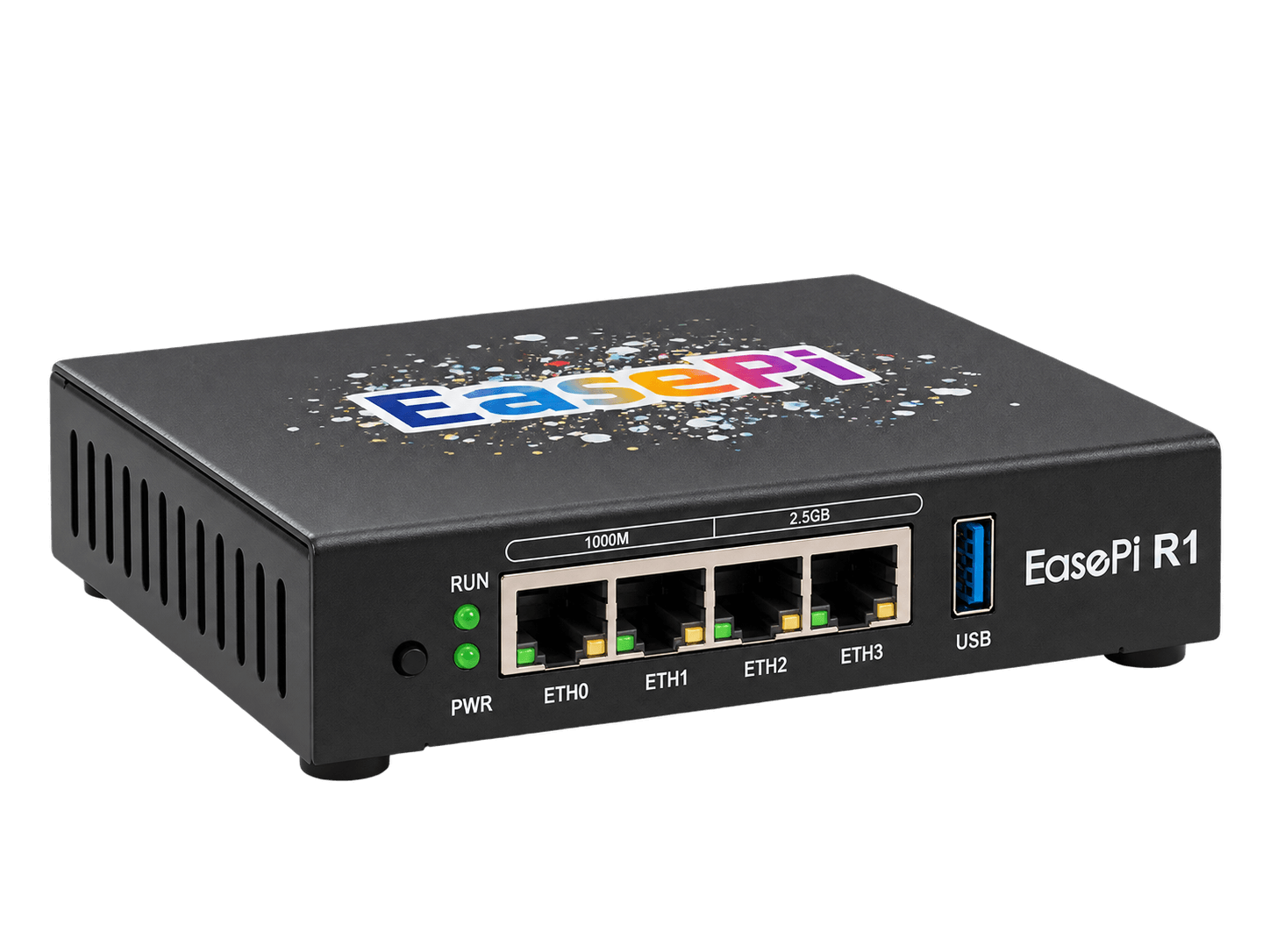
ARMCompact and efficient for flexible deployments

Virtual MachineDeploy flexibly and run iStoreOS without dedicated hardware
IntelAMDRockchipFriendlyElecRadxaRaspberry PiEasePiIntelAMDRockchipFriendlyElecRadxaRaspberry PiEasePi
Easy to get started
An intuitive interface and guided setup help you get started in a few steps.
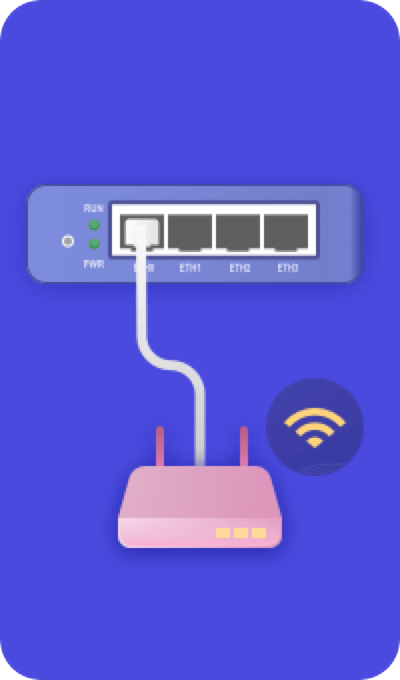
Connect your device
Set up a main router, a secondary gateway or a standalone NAS on your network.
Connect your deviceConnect your device to the network
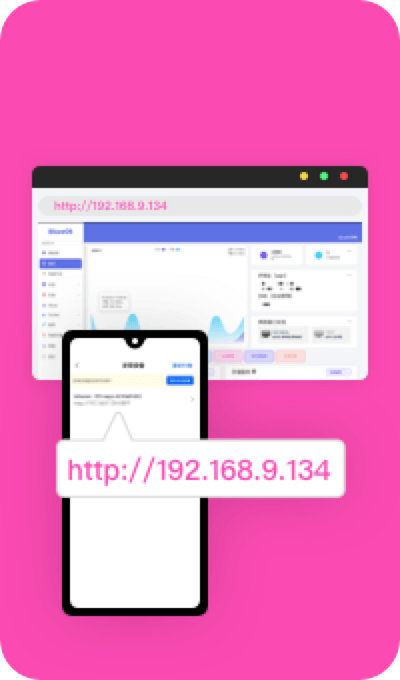
Find your device
Scan with your phone or check your upstream router to find the device IP and open its dashboard.
Find your deviceFind the IP and open the dashboard

Set up your network
Use the network wizard to configure your connection or secondary gateway.
Set up your networkFollow the network wizard

Setup wizardInstall recommended apps
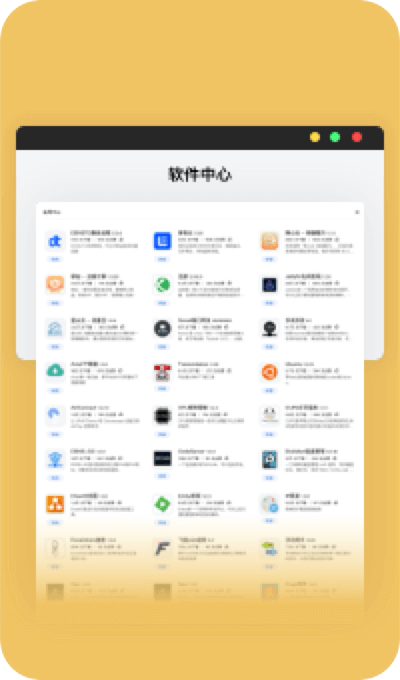
SoftwareDiscover more in the Software Center

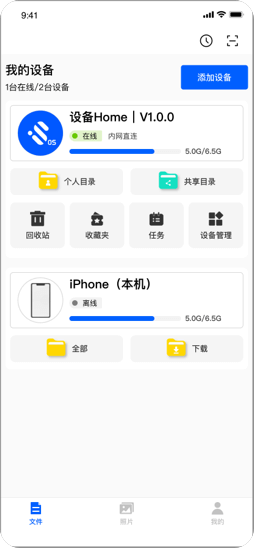
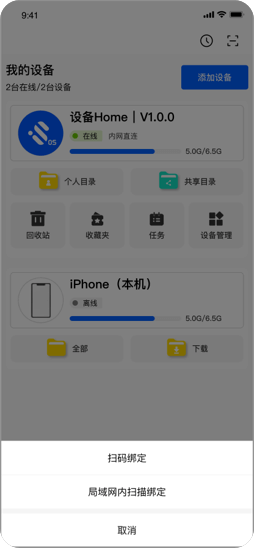


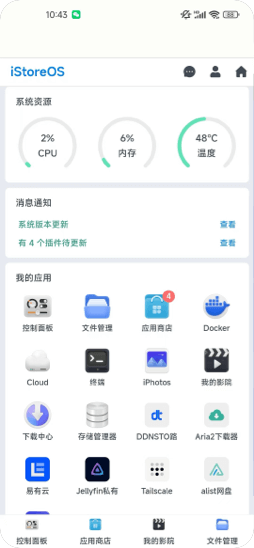
Scan or discover devices with the LinkEase app
An ecosystem of apps
Extend your system with software for your everyday needs.
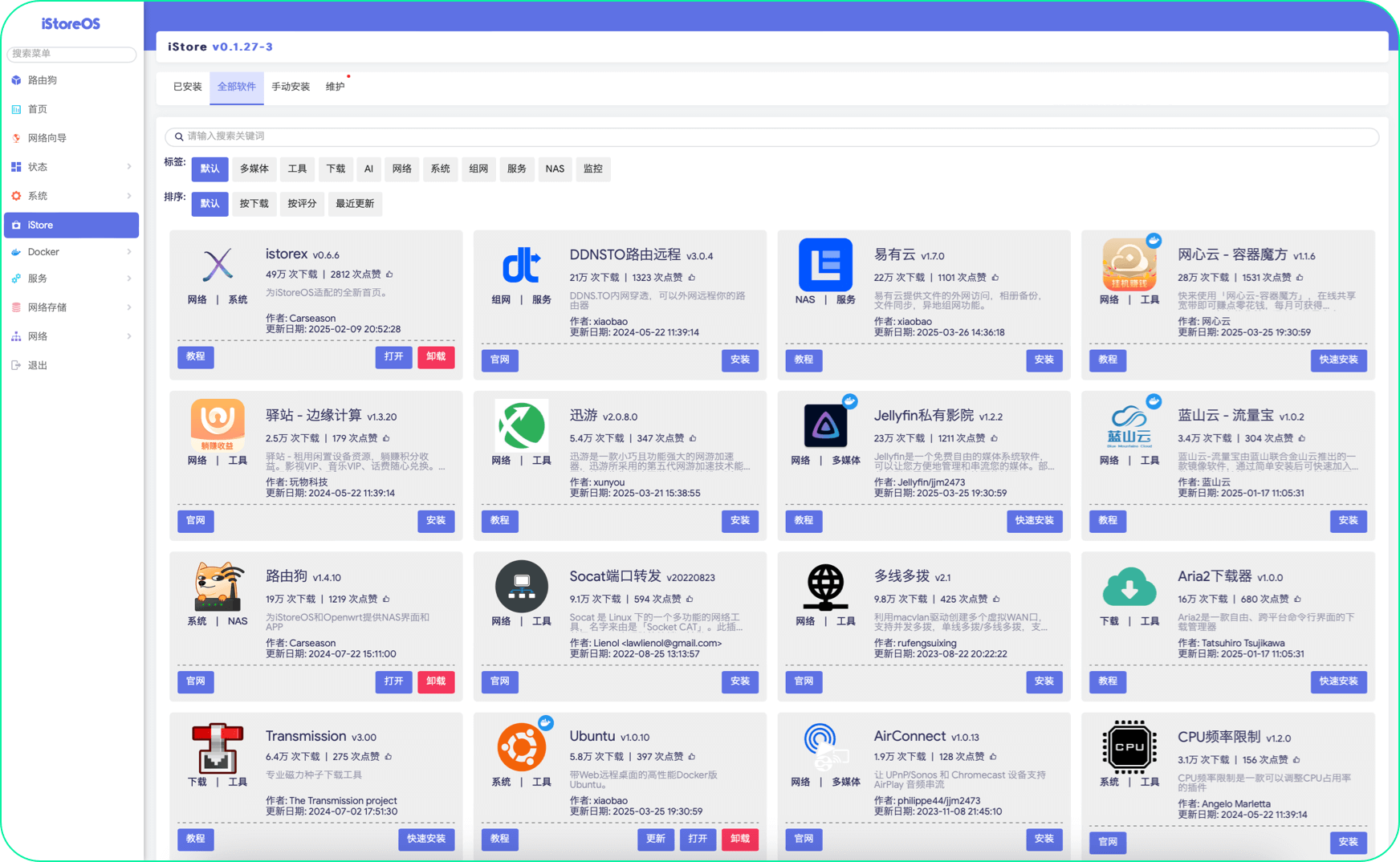

- Network management


- NAS apps


- Media


- AI







AI READY
Let AI operate your iStoreOS.
No more digging through menus to find what you need. Just tell AI what you want to do — install plugins, find apps, check network status, or change system settings — all through natural conversation.
AI doesn't just answer questions. It operates your system.
Do more with companion apps
Explore what you can do with our companion software.






Your home private cloudManage files across platformsBrowse and back up files, and manage multiple devices.
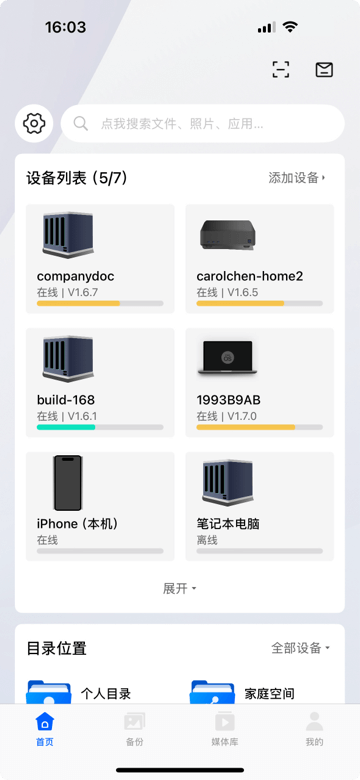 iOS / Android
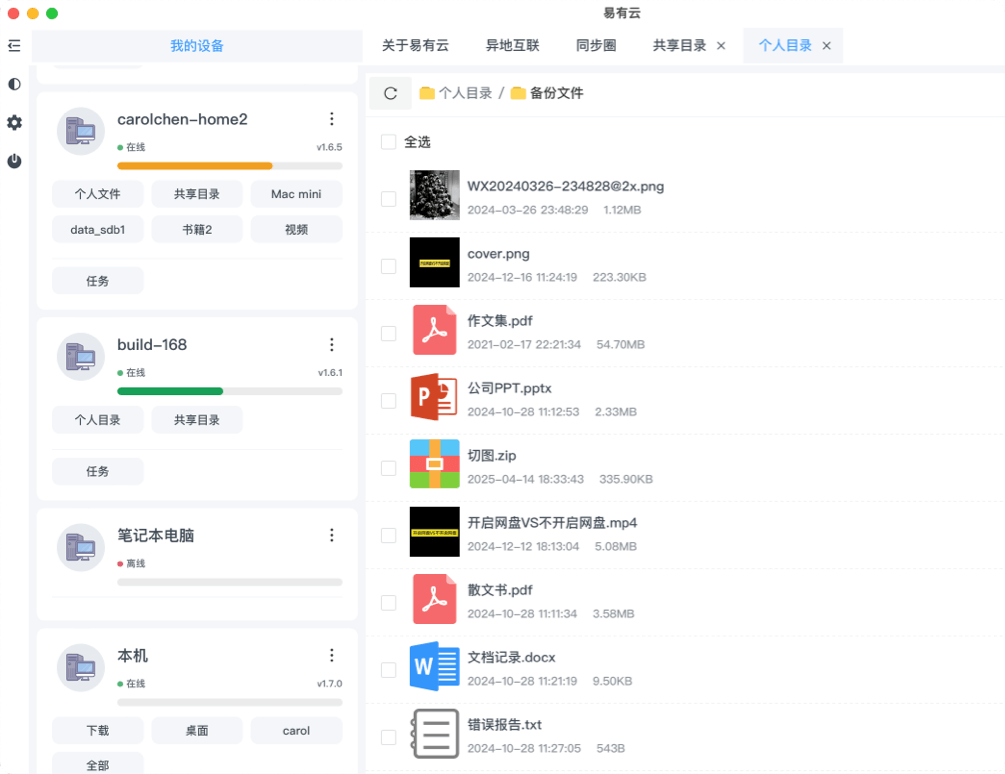 Desktop
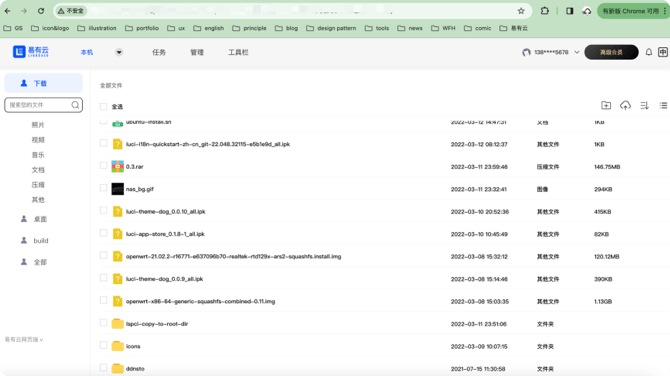 Web
WebPhoto managementBack up and share your photosPersonal and shared folders simplify everyday use.
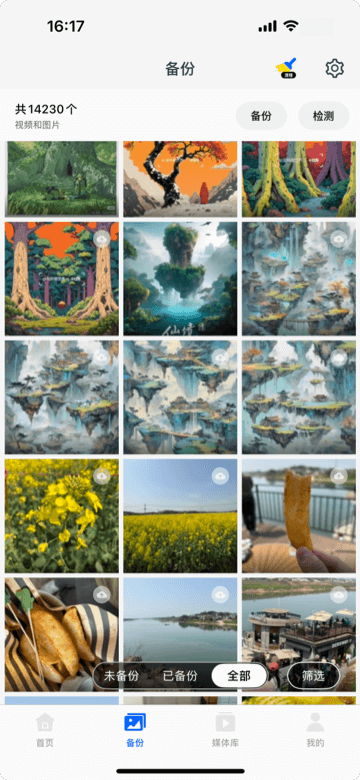 Select photos to back up
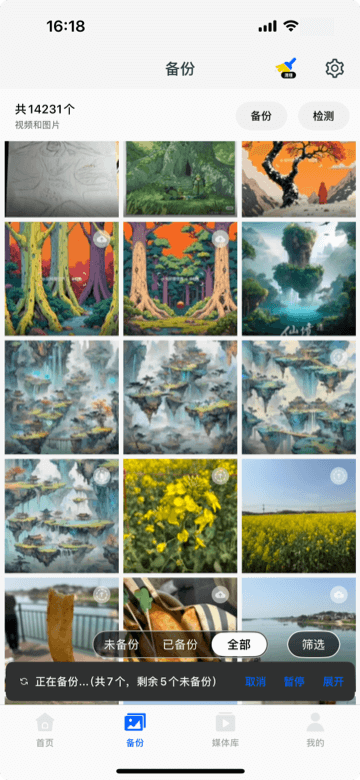 Backup in progress
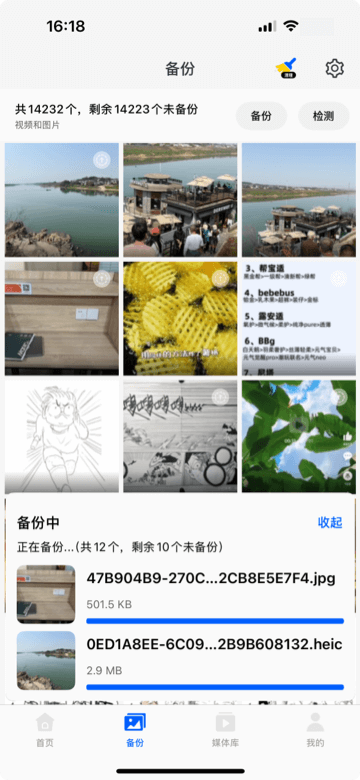 Backup details
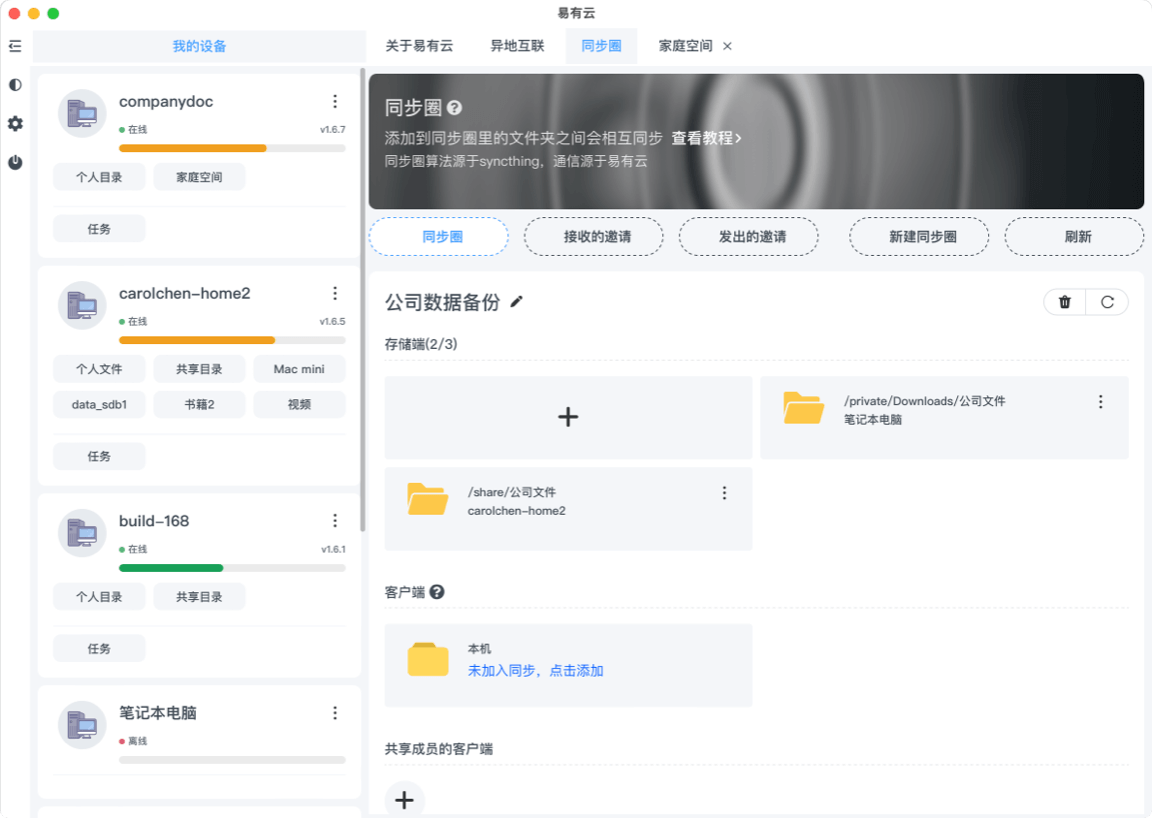
Device management and file syncManage devices and sync files between them.All your devices in one place
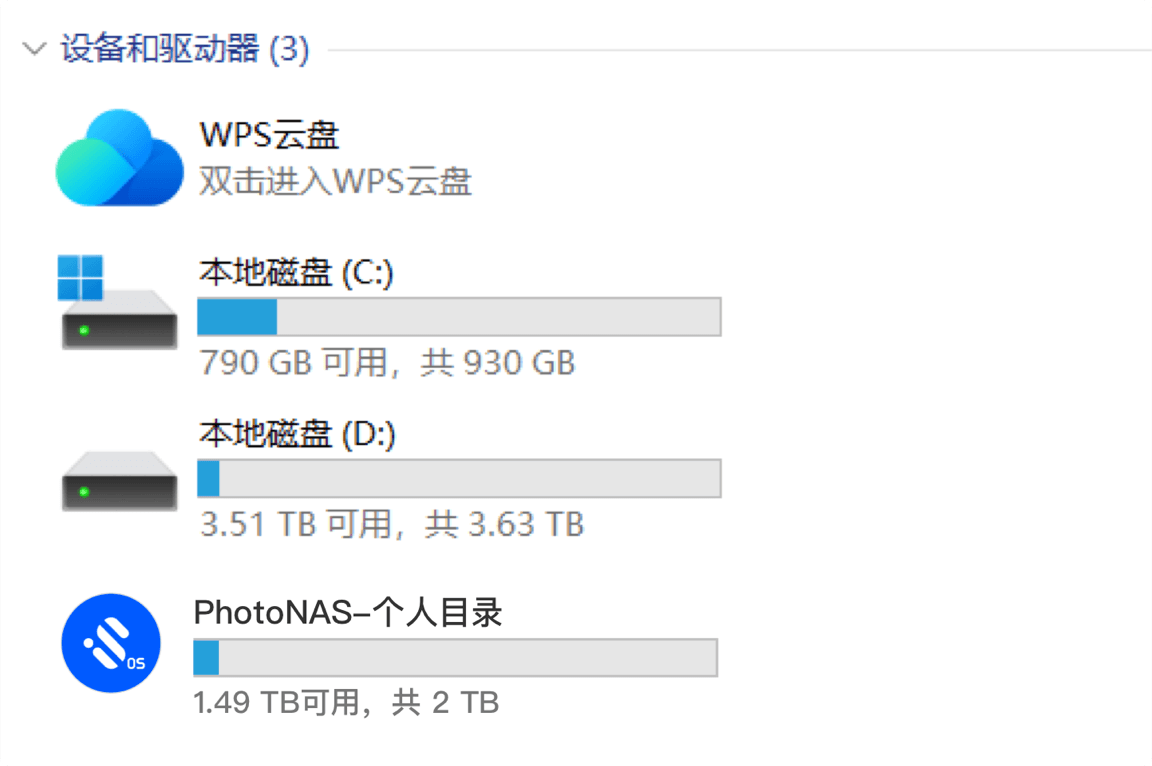
Network driveManage your NAS remotelyAccess your NAS as a local drive.
Community driven
 Open sourceThe source is open for everyone to inspect and improve. Contributions from around the world help shape iStoreOS.
 CollaborationTogether, we can improve iStoreOS and respond to users’ needs. Every contribution makes a difference.
 User participationUsers are also creators. Your participation can shape the project’s direction and features.
How can I contribute?
Contribute in your own way and help make iStoreOS better for everyone.
 Report an issue
 Contribute an app
 Customize the system
 Support new hardware